

What you’ll learn
By the end of this guide, you’ll be able to:
- Get your Mini App indexed in Base App search and understand how indexing works.
- Choose the right categories and implement strategies to improve visibility across discovery surfaces.
- Apply best practices to increase discoverability across Base App surfaces.
Search
How Search Works
Users discover Mini Apps through direct search queries in Base App.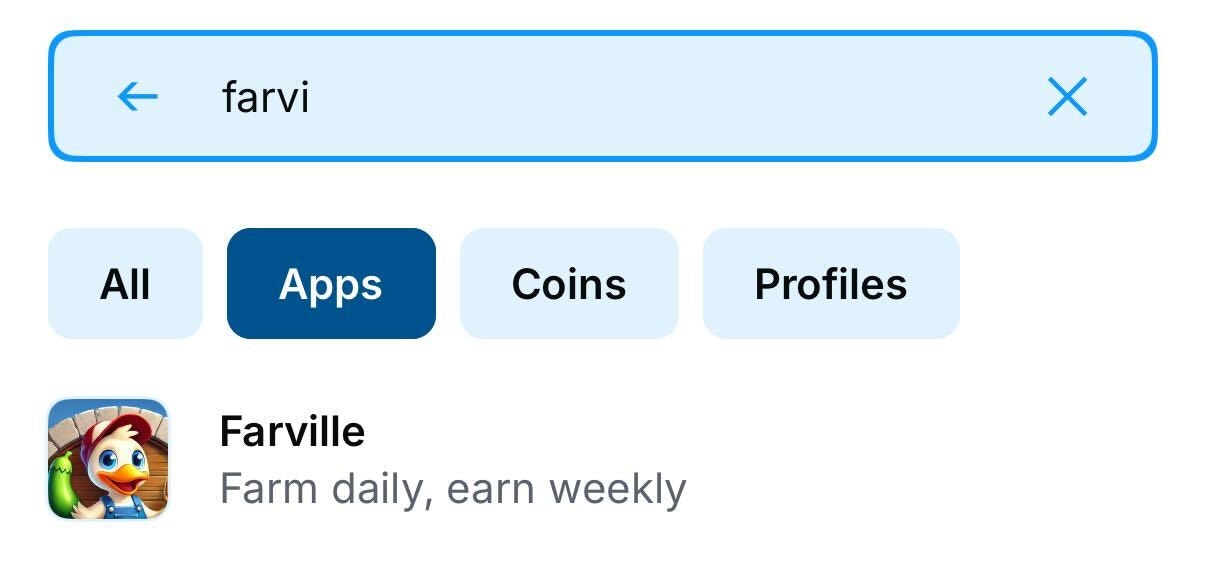
Here in The Base App you can see searching based on partial titles
Managing Search Indexing
Development Environment: add"noindex": true to prevent dev/staging from appearing in search. Remove or set false for production.
Removing from Search:
To remove your Mini App from search results, invalidate your manifest (removes from all discovery).
Discovery Surfaces
Saved Apps
Personal launcher and quick access hub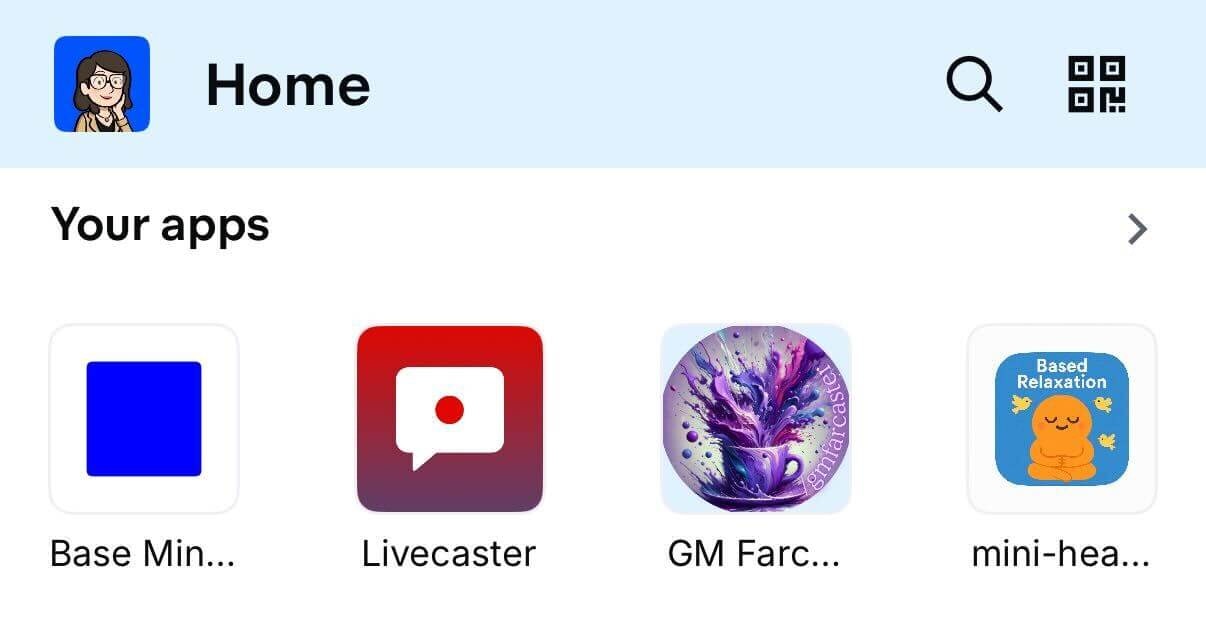
Saved Apps
- User’s saved Mini Apps
- Recently used applications
App Categories
Browsable directory organized by interest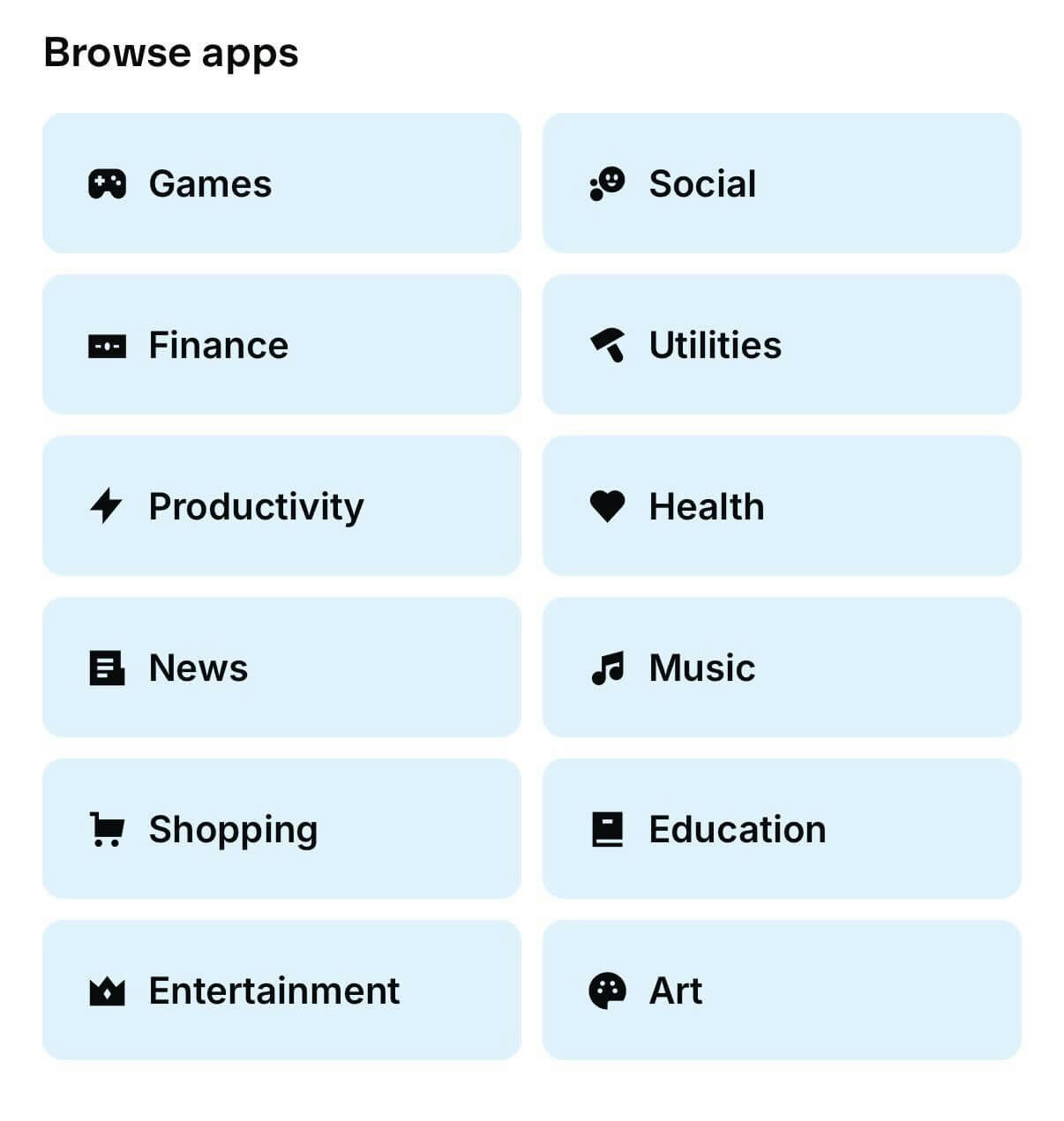
App Categories
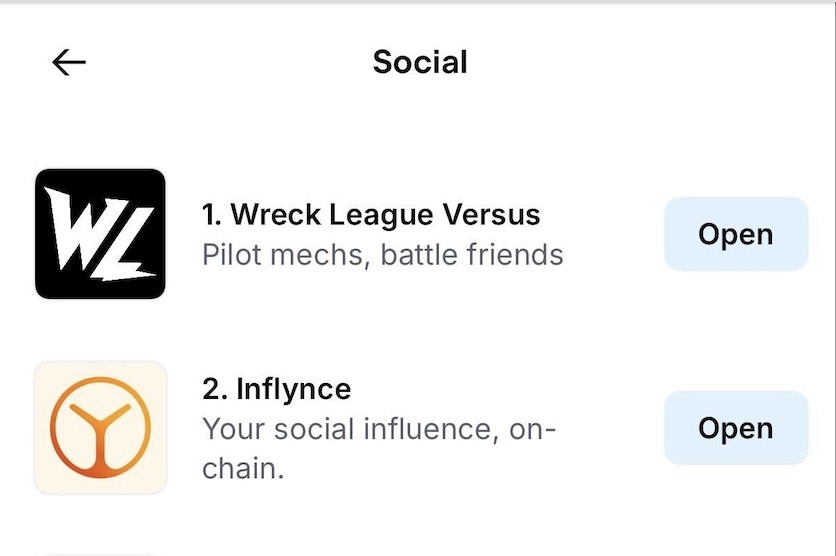
Ranking for the Social Category
Visual Specifications
For detailed visual mapping of how metadata translates to UI elements, see the Figma specification file.Optimization Strategies
Category Optimization
- Choose primaryCategory strategically based on your target audience and competition
- Monitor category rankings and adjust strategy based on performance
- Consider seasonal trends that might affect category popularity
Metadata Best Practices
- High-quality icon (1024×1024, clear and recognizable at small sizes)
- Compelling description under 130 characters that clearly communicates value
- Relevant tags that match user search behavior
- OG image optimized for social sharing (1200×630) with clear visual hierarchy
Build for Discovery: Checklist
- High-quality icon (1024×1024, clear at small sizes)
- Compelling description under 130 characters
- Relevant category selection for your target audience
- OG image optimized for social sharing (1200×630)
- Test metadata rendering across different clients
- Implement proper manifest files with correct categorization
- Choose relevant categories (primaryCategory)
- Create shareable moments that naturally encourage shares
- Design compelling embeds with clear CTAs
- Encourage saves for easy return access