> ## Documentation Index
> Fetch the complete documentation index at: https://base-a060aa97-danc-alpha-docs.mintlify.site/llms.txt
> Use this file to discover all available pages before exploring further.
# Quickstart Guide
Building a new app? The easiest way to get started is to use `npx create onchain`, which sets up everything automatically for you.
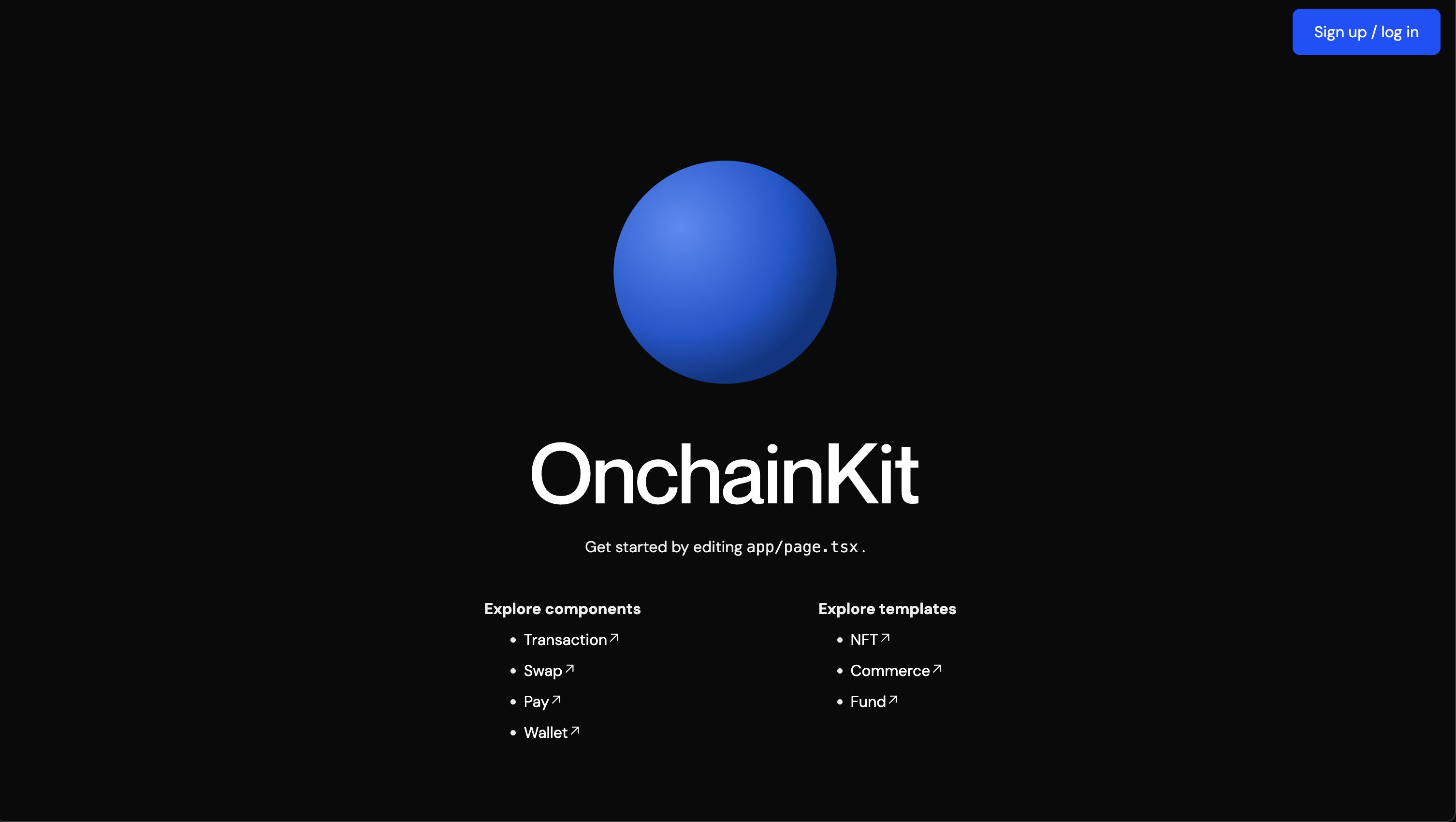
After running `npx create onchain` and following the prompts, you'll have a [Next.js](https://nextjs.org/) project with OnchainKit installed and ready to go.
## Bootstrapping a new project
### Mini app support
If you're building a mini app or hybrid app, you can use the `--mini` flag to bootstrap a project with mini app support.
```bash Terminal
npx create-onchain@alpha --mini
```
### Traditional onchain web app
If you don't want to use mini app features, simply omit the `--mini` flag. If you decide to add mini app features later, you can convert your project to a mini by making some small changes to your codebase.
```bash Terminal
npx create-onchain@alpha
```
## CLI settings
The CLI will ask you a few simple questions to help you get started.
These are:
* Your project's name
* Your [Coinbase Developer Platform Client API key](https://portal.cdp.coinbase.com/products/onchainkit) (optional)
* Whether you'd like to enable telemetry (optional)
After this, simply `cd` into your project folder and run `npm install` (or use your package manager of choice) to install the dependencies.
Finally, run `npm run dev` to start the project and get to building!